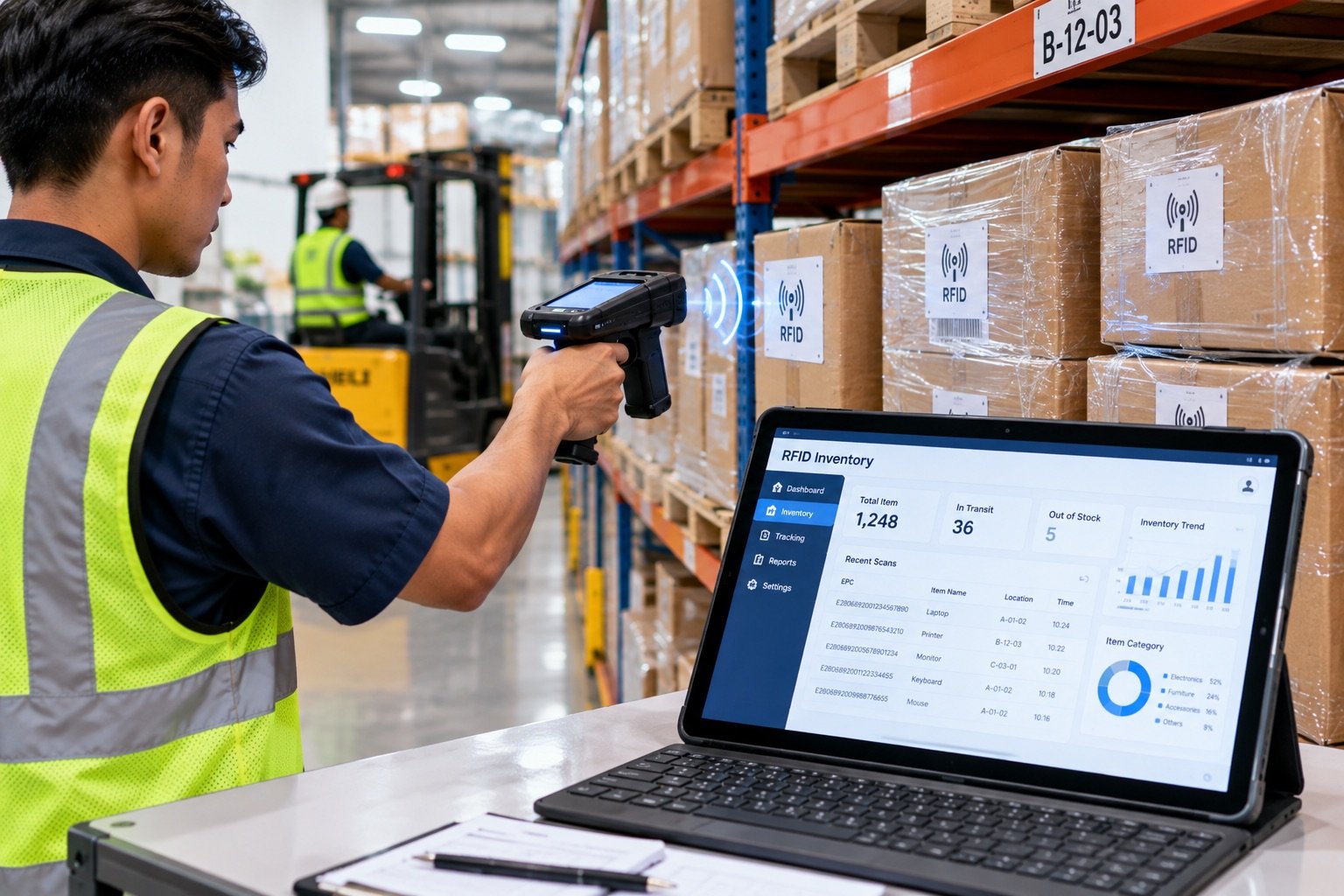
Why RFID and ERP Integration Matters
Some companies run an ERP (such as Odoo) separately from manual warehouse processes. When stock updates are delayed, ERP data can differ from physical inventory and affect operational decisions.
An RFID integration with a compatible ERP can reduce duplicate stock entry and make updates available sooner. The data flow and sync timing depend on system configuration, connectivity, and integration scope.
This article explains how the integration works technically, what the benefits are, and walks through an example of how it runs day to day in a factory warehouse.
Why Odoo?
Odoo is one of the most popular open source ERPs among mid-size companies in Indonesia. The reasons:
- Right sized for mid-size businesses that don't need the scale and complexity of SAP or Oracle
- Comprehensive modules: Inventory, Purchase, Sales, Manufacturing, and Accounting in one platform
- Open API: Makes integration with external systems such as RFID platforms straightforward
- Many local implementation partners across Indonesia
- Modular: Start with just the Inventory module and add others as needed
Katalyst can help assess RFID integration with Odoo for inbound, outbound, and stock audit workflows. Availability and scope depend on the system version and configuration.
How the Integration Architecture Works
System Overview
┌─────────────────┐      REST API      ┌──────────────────────┐
│  Katalyst RFID  │ ◄──────────────── │    Odoo ERP          │
│  Platform       │ ────────────────► │  (Inventory module)  │
└────────┬────────┘                   └──────────────────────┘
         │
┌────────▼────────┐
│  RFID Hardware  │
│  (Handheld,     │
│  Fixed Reader,  │
│  Desktop USB)   │
└─────────────────┘
Data flows in both directions:
Odoo → Katalyst:
- New Purchase Orders (POs) in Odoo automatically appear as inbound tasks in Katalyst
- Product master data (SKUs, categories) syncs from Odoo to Katalyst
- Manual stock adjustments in Odoo are reflected in the RFID platform
Katalyst → Odoo:
- RFID inbound scans automatically update
stock.quantin Odoo - Outbound scans reduce Odoo inventory in real time
- Stock audit results are reconciled in Odoo as inventory adjustments
- RFID EPC serial and lot numbers map to Odoo's lot tracking
Technical Components of the Integration
1. Katalyst REST API The Katalyst platform provides webhook endpoints and a REST API that Odoo can consume through a custom integration module or Odoo Studio.
2. Odoo XML-RPC / JSON-RPC Katalyst uses Odoo's native API (XML-RPC or JSON-RPC) to:
- Read POs and products from Odoo
- Write stock movements to
stock.moveandstock.quant - Create
account.moveentries for inventory adjustments when required
3. Event-Driven Updates When a reader scans an item, an event can be queued and sent to the ERP API. Processing and sync timing depend on the network, system configuration, and integration scope.
Integration Workflow: Step by Step
Scenario 1: Goods Receipt (Inbound)
In Odoo:
- The purchasing team creates a Purchase Order for 500 units of building materials from a supplier
- The Odoo PO (status: Ready to Receive) automatically appears as a task in Katalyst
In the Warehouse (RFID): 3. Goods arrive, and the operator opens Katalyst on the handheld scanner 4. The operator selects the relevant PO → scans all RFID tags on the packages or pallets at once 5. The reader captures attached tags; validate the number read and processing time with items on site
Back in Odoo: 6. Katalyst sends a webhook to Odoo with the receipt details: product ID, quantity, and lot numbers (from the EPC) 7. Odoo automatically validates the receipt → stock increases in Odoo 8. If there is a discrepancy (e.g., only 487 of 500 were scanned), Odoo flags it for review
Example workflow: RFID may reduce manual entry steps; measure actual processing time with your items and site configuration.
Scenario 2: Outbound Shipment
In Odoo:
- A Sales Order is confirmed → a picking/delivery order is created in Odoo
In the Warehouse (RFID): 2. The warehouse operator opens the delivery task in Katalyst → scans the items being shipped (one by one or in bulk) 3. Alternatively, a fixed RFID reader at the outbound gate automatically scans every item that passes through
Back in Odoo: 4. Katalyst validates that all items match the Delivery Order → sends confirmation to Odoo 5. Odoo validates the delivery automatically, reduces stock, and updates the SO status to "Done" 6. The invoice can be processed immediately because the delivery is already validated
Scenario 3: Stock Audit Reconciliation
In the Warehouse (RFID):
- The warehouse manager creates an audit task in Katalyst: audit all items or a specific area
- The operator walks the warehouse with a handheld and scans all RFID tags
- Katalyst compares the scan results with expected inventory → displays discrepancies
In Odoo:
4. Katalyst sends the audit results to Odoo as a stock.inventory.adjustment
5. Odoo requests manager confirmation → once approved, Odoo stock is updated to match physical reality
6. A variance report is available in Odoo for root cause analysis
Example Scenario: Odoo Integration at a Building Materials Factory
The following illustrative scenario shows how RFID and Odoo work together at a typical building materials factory.
Before Integration
Without integration, a factory like this typically faces several common operational challenges:
- Double data entry: Warehouse staff record movements in a physical logbook, then re-enter them in Odoo. Every entry is a chance for human error
- Odoo stock data lags 1 to 2 days behind actual warehouse conditions
- The monthly stock count is a major operation: All warehouse activity stops, and 3 to 4 people work for 2 full days
- Routine discrepancies between physical stock and Odoo: "the system shows 1,200 units, but there are only 1,178 on the floor"
- Inaccurate purchasing reports: Because stock data is wrong, POs sometimes result in duplicate orders or under-ordering
Solution
Hardware:
- UHF RFID handheld scanner for inbound and outbound operations on the warehouse floor
- Desktop USB reader for item verification in the office
Software:
- Katalyst Platform with the full Inventory module
- Bidirectional Odoo integration (PO sync and stock movement sync)
- RFID label printer for printing new tags when goods arrive
Integration Points:
- Odoo
purchase.order→ Inbound task in Katalyst - RFID inbound scan →
stock.pickingvalidation in Odoo - RFID outbound scan →
stock.picking+stock.moveupdate in Odoo - Monthly audit →
stock.inventoryreconciliation in Odoo
Potential Outcomes to Validate
- Stock updates can be automated: Reconcile scan events with ERP records to identify discrepancies
- A simpler receiving process: Reading multiple tags at once can reduce one-by-one scanning; measure the impact in your workflow
- Fewer duplicate entries: Automate supported updates from RFID scans
- Stock counts may take less time: Measure the change in a pilot without halting operations
- Purchasing decisions can use fresher stock data when sync is configured and working as intended
Technical Requirements for Integration
On the Odoo Side
- Odoo 14 or later (Community or Enterprise), where the API is stable
- Required modules: Inventory (mandatory), Purchase (for PO sync), Manufacturing (optional, for WIP)
- An API user with access to the
stock.*andpurchase.*models - An active webhook receiver (or a scheduled polling action as a fallback)
On the Katalyst Side
- A free scope assessment to confirm the Odoo flows you need: inbound, outbound, audit, multiple warehouses, or manufacturing
- Odoo API key configured in Katalyst settings
- Product mapping: RFID EPC prefix → Odoo
product.productID - Stock location mapping (Katalyst Area ↔ Odoo Location)
Integration Setup Timeline
| Activity | Duration |
|---|---|
| Product mapping (Katalyst ↔ Odoo) | 1 to 2 days |
| API connection configuration | 0.5 days |
| Inbound/outbound flow testing | 1 day |
| Parallel run + validation | 1 week |
| Total | 2 to 3 weeks |
Frequently Asked Questions
Do I need an Odoo developer to set this up? For a standard integration (inbound, outbound, and audit sync), no dedicated developer is required; the Katalyst team handles the entire setup. For highly specific workflow customizations, you can involve your Odoo implementation partner.
Is it compatible with Odoo Community (free)? Yes. The Katalyst integration uses Odoo's XML-RPC API, which is available in both the Community and Enterprise editions.
What happens if the internet goes down? Offline scan storage and synchronization depend on the app version and configuration. Ask the technical team to explain and test the sync behavior before relying on it in operations.
Can it integrate with a multi-company Odoo setup? Yes, with additional configuration. Each Katalyst store can be mapped to a different Odoo company or warehouse.
Can Katalyst also integrate with Accurate or SAP? For Accurate, SAP, and other systems beyond Odoo, integration is handled as a custom project through the Katalyst REST API. Discuss your requirements with the Katalyst team to scope the right approach.
Conclusion
RFID integration with Odoo ERP reduces duplicate data entry and keeps stock records current. The factory scenario above shows how the integration works day to day in a production environment.
If you already use Odoo and want to eliminate double entry, inaccurate stock data, and exhausting manual audits, this is your next step.
Schedule a free consultation to discuss your Odoo workflows and assess integration needs.